Pro Logo Maker Logo Creator Review
Category: Graphics and design, logo design

According to Content Arcade,
Logo generator app is ideal if you have logo ideas and you wish to make a logo design to give that memorable first impression for your service or business. You can also use this app to give your old boring logo a completely unique an fresh look. Discover the tools for free Logo Maker to create a design that stands out from the rest.Features of Logo Maker as advertised on Apple App Store
- Create unlimited logo designs
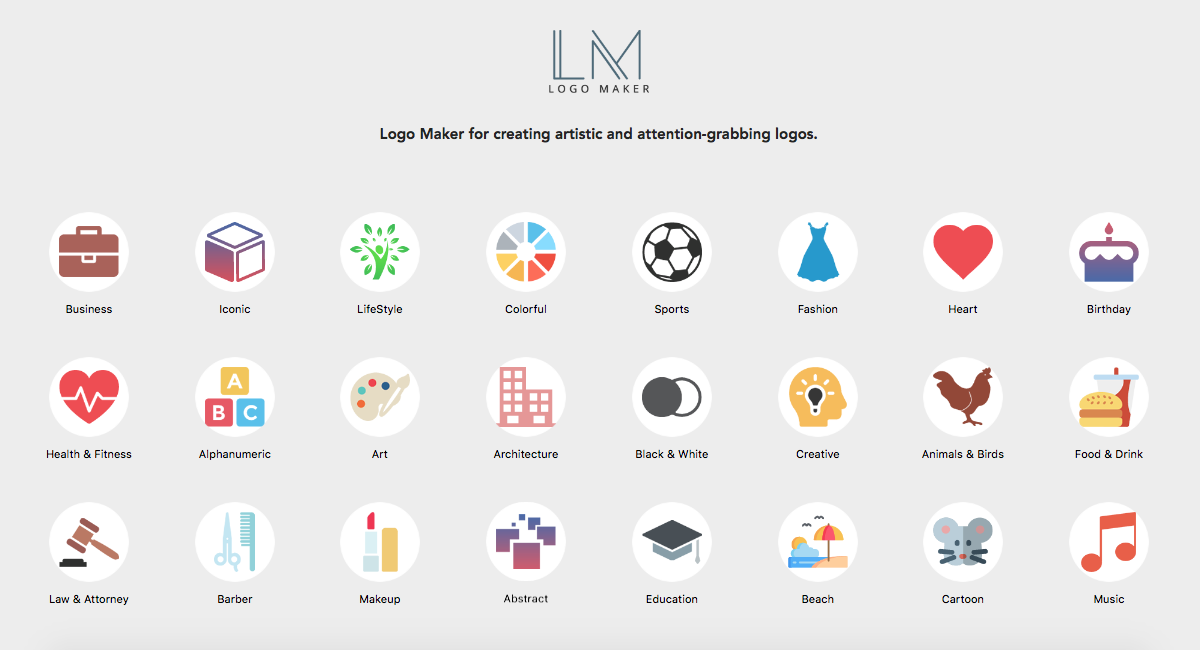
- Different categories for logo icons such as lifestyle, colorful, sports, etc.
- Perfect for any brand industry or interest
- Play around with tools and features to come up with the best idea
- Add text, overlay, color, background, etc.
- Easy to save and export logo
My Review
Interface
Neat and simple. Upon opening the app, Free Logo Maker presents before you the 29 categories that you can choose from such as health and fitness, art, architecture, business, lifestyle, sports, fashion, food and drink, legal, education, music, real estate, among others.
Upon choosing a category, the app offers a few ready-made illustrations that you can use for free. Some of the good ones are locked. You need to upgrade to the Pro version (est $6 US) in order to use the other ready-made logo icons and illustrations.
The ready-made logos in the free version are not the type that you would present to your client as a business logo. They are more like web icons or simple illustrations that you can use for brochures or websites.
The ready-made logos in the free version are not the type that you would present to your client as a business logo. They are more like web icons or simple illustrations that you can use for brochures or websites.
Downsides
- You cannot delete the suggested illustration. If you want to change the illustration, import one of your own; which is something you designed using another app.
- You cannot duplicate the text. You have to create a new text element and style it again.
- The maximum size of the font that you can use is 45 px.
- You cannot draw with this app.
- You can only save your work in PNG format in one size. To remove the extra unwanted space, you need to use another app to crop your logo.
- You cannot add lines and shapes.
Sample Logo

Here's a sample of a logo that I designed using Pro Logo Maker. All I did was to add text and colour it.
Conclusion
This is not for professional graphic designers who want to use their original ideas and have the liberty to tweak every element of their designs.
Where is Logo Maker Useful
- If you're in a hurry and you are designing for someone who is not meticulous and very particular about how the logo will look like; someone who will just accept anything you design.
- Design a simple logo or avatar for a social media page
- Design a logo for home-made products which you sell door-to-door or online via social media sites.
- Design illustrations that you can add to your brochure, flyer, or web page.
App Info
Developer: Content Arcade (UK) LtdPrice: Free but offers in-app purchases
Compatibility: OS X 10.11 or later, 64-bit processor (as of this writing)
Size: 118 mbAvailability: Via Apple App Store
Family sharing: Yes
Comments
Post a Comment